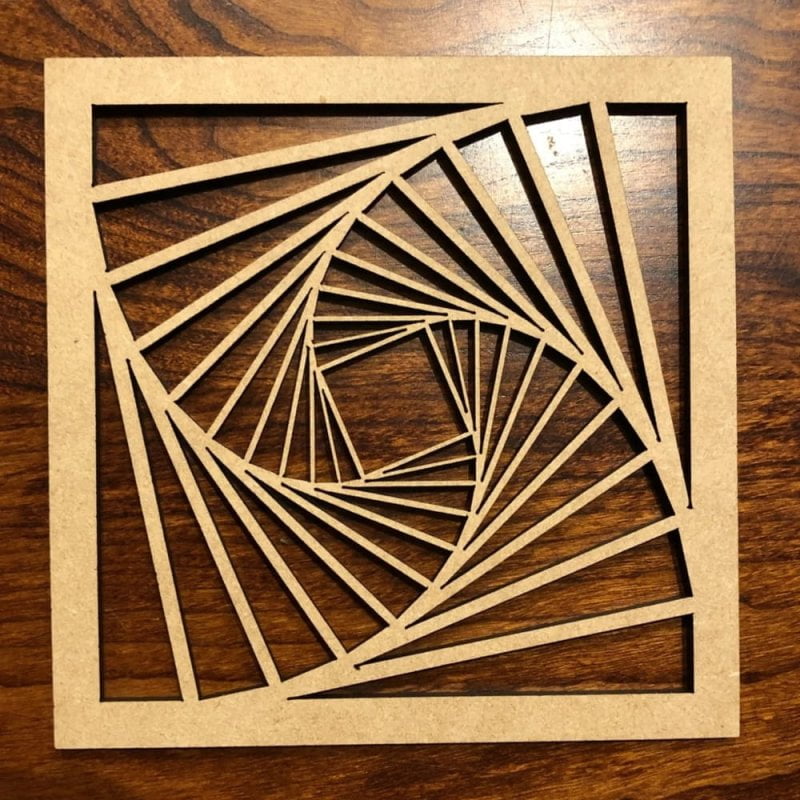
The Tilted Square Pattern is one of the most popular geometric styles used in CNC cutting, laser engraving, and architectural design. Its clean, diagonal alignment creates a visually dynamic effect, making it perfect for modern interiors and decorative applications.
If you are looking to download or create free DXF files for CNC, this guide will help you understand everything about tilted square lattice designs and how to use them effectively.
What is a Tilted Square Pattern?
A Tilted Square Pattern is a geometric design where squares are rotated (usually 45 degrees), forming a diamond-like layout. This creates a lattice structure that looks more dynamic than traditional straight grids.
Unlike standard square patterns, tilted squares:
- Add depth and movement
- Create a premium modern look
- Improve light and air flow in panels
Why Choose Tilted Square Pattern for CNC Projects?
This pattern is widely used because of its balance between simplicity and visual appeal.
Key Benefits:
- Easy to scale and customize
- CNC and laser-friendly geometry
- Works with wood, MDF, acrylic, and metal
- Ideal for both interior and exterior use
Free DXF Files for Tilted Square Pattern
Offering free DXF files for tilted square patterns is a great way to attract traffic and clients.
What Your DXF Files Should Include:
- Clean vector lines (no overlaps)
- Proper node alignment
- Correct scaling (inches/mm)
- Ready-to-cut layout
Popular Search Terms:
- tilted square pattern DXF free
- diamond lattice CNC file
- geometric lattice DXF download
How to Use Tilted Square Pattern in CNC
Follow this professional workflow:
Step 1: Download DXF File
Choose your desired Tilted Square Pattern design.
Step 2: Import into CNC Software
Use:
- VCarve
- ArtCAM
- Fusion 360
Step 3: Adjust Dimensions
Resize according to your project panel size.
Step 4: Toolpath Setup
- Select cutting bit (e.g., 1/8” or 1/4”)
- Define cut depth and speed
Step 5: Preview & Simulation
Always check toolpath before cutting.
Step 6: Final Cutting
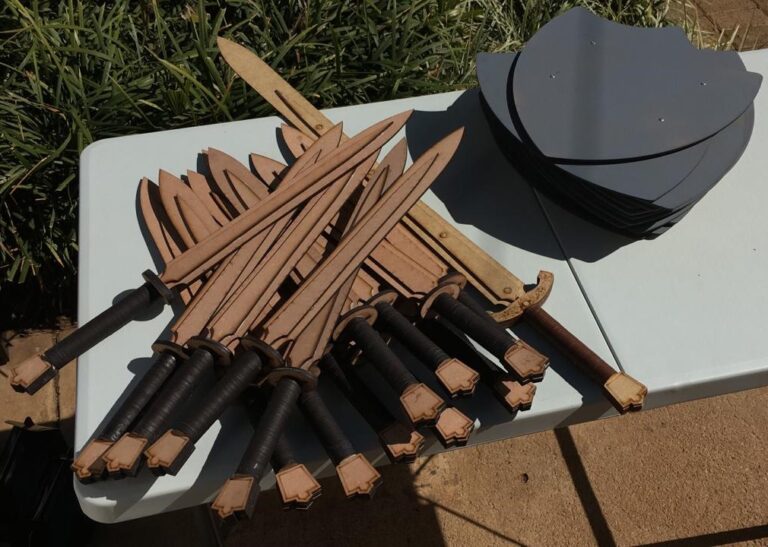
Run the CNC or laser machine.
Applications of Tilted Square Pattern
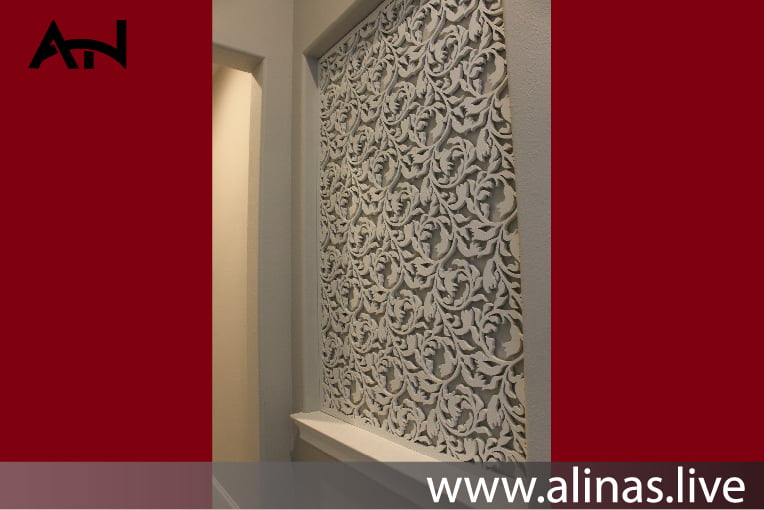
1. Wall Panels
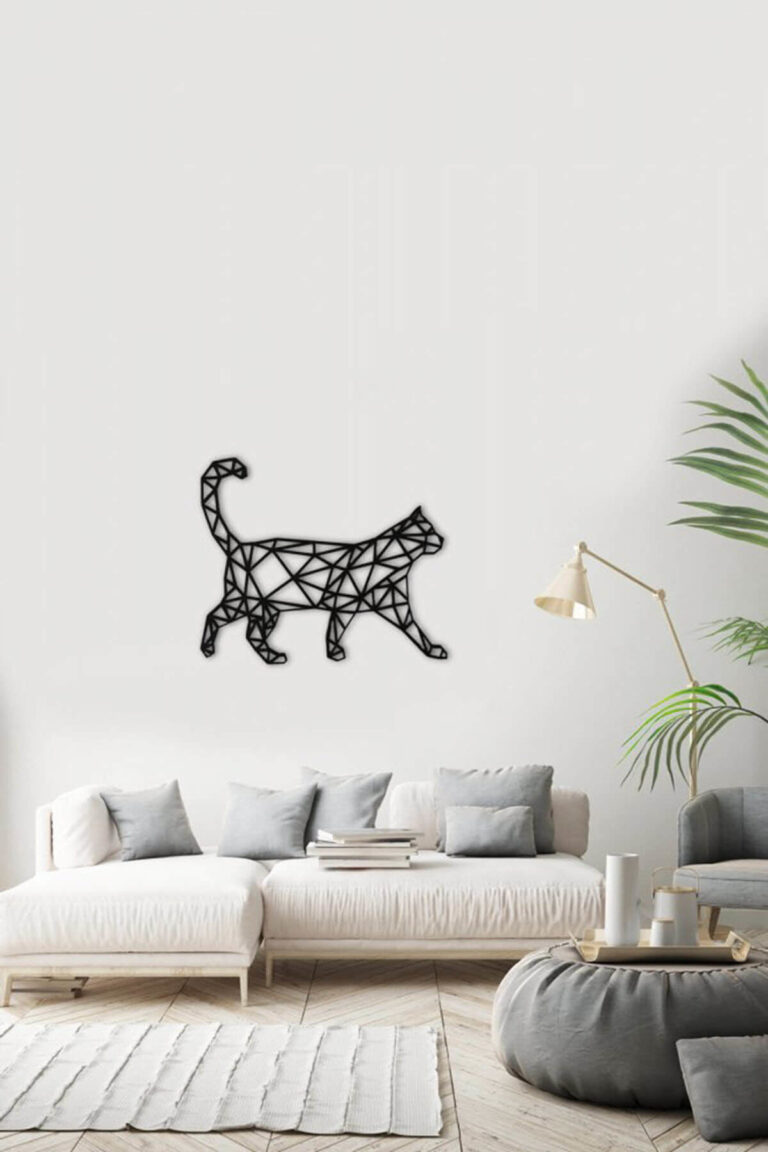
Perfect for modern decorative wall panels in homes and offices.
2. Room Dividers
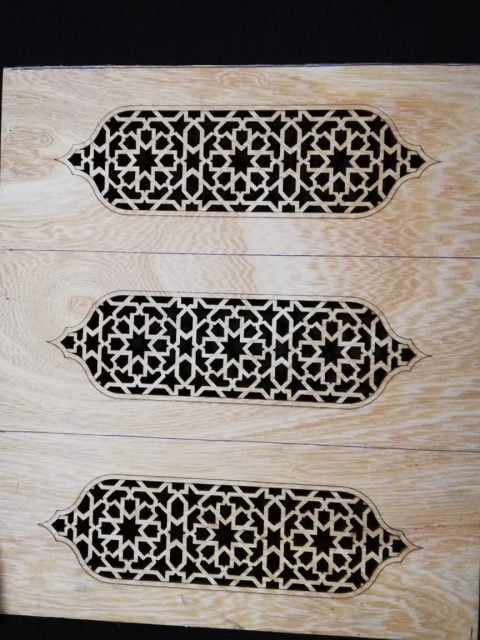
Creates stylish partitions with airflow and visibility.
3. Gates & Screens
Used in metal or wooden outdoor screens.
4. Furniture Design
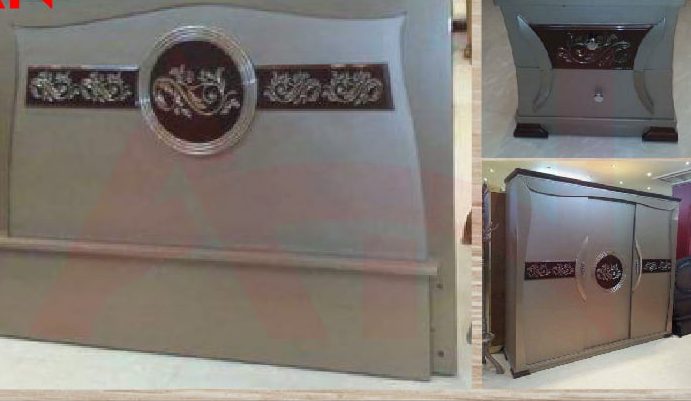
Great for cabinet doors, wardrobes, and headboards.
Design Variations of Tilted Square Pattern
You can customize the pattern in multiple ways:
- Dense Pattern: Small squares for detailed work
- Open Pattern: Larger gaps for airflow
- Layered Design: Double-layered for depth effect
- Mixed Geometry: Combine with circles or floral elements
Laser Cut Tilted Square Pattern SVG File free can used for fiber laser vinyle sticker cutting. Click on the download button and save the file on your computer to work, edit or customize your design. You can also find more 3D designs on our website dxffreefiles.com
Internal Links
Add these to strengthen your website:
- Free DXF Files → /free-dxf-files
- Geometric CNC Designs → /geometric-patterns
- Wall Panel Designs → /cnc-wall-panels
- Laser Cut Files → /laser-dxf-designs
External Links
- Autodesk (DXF Format Info)
https://www.autodesk.com - CNC Programming Guide
https://www.cnccookbook.com - Free Design Resources
https://www.freepik.com
Tips for Best Results
- Maintain equal spacing between squares
- Avoid very thin joints (can break during cutting)
- Use tabs for small pieces
- Test cut on scrap material first
Tilted Square Pattern
To rank this keyword:
- Use it naturally in headings and paragraphs
- Add high-quality preview images
- Include downloadable DXF files
- Optimize image alt text:
“tilted square pattern CNC design” - Build backlinks from design and CNC websites
Conclusion
The Tilted Square Pattern is a powerful and modern design choice for CNC and laser cutting projects. With its clean geometry and versatile applications, it remains a top choice for designers and machinists alike.
By offering free DXF files, you not only help your audience but also improve your SEO and attract more clients