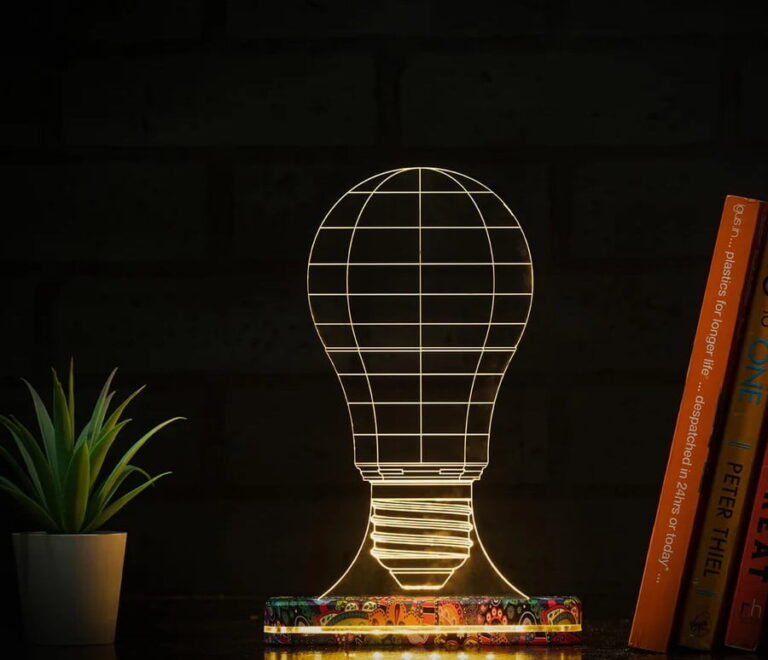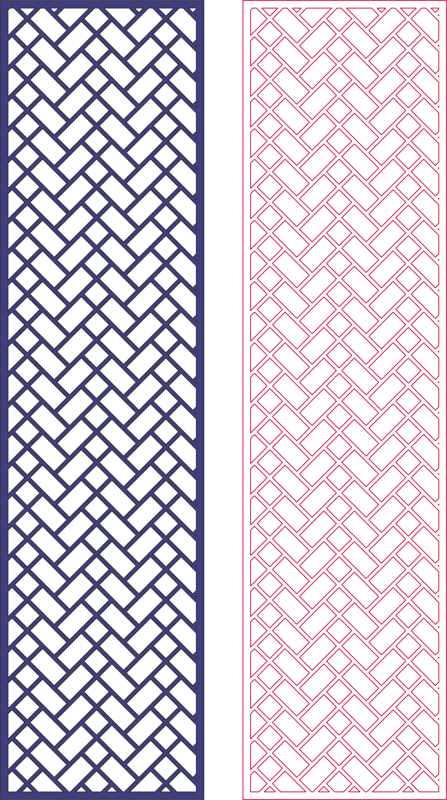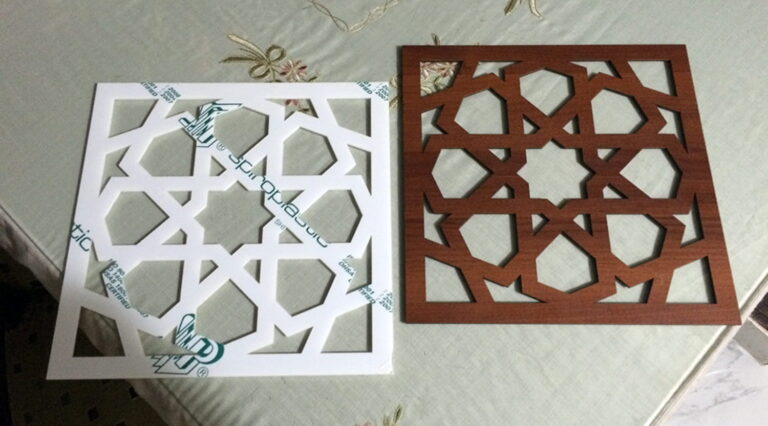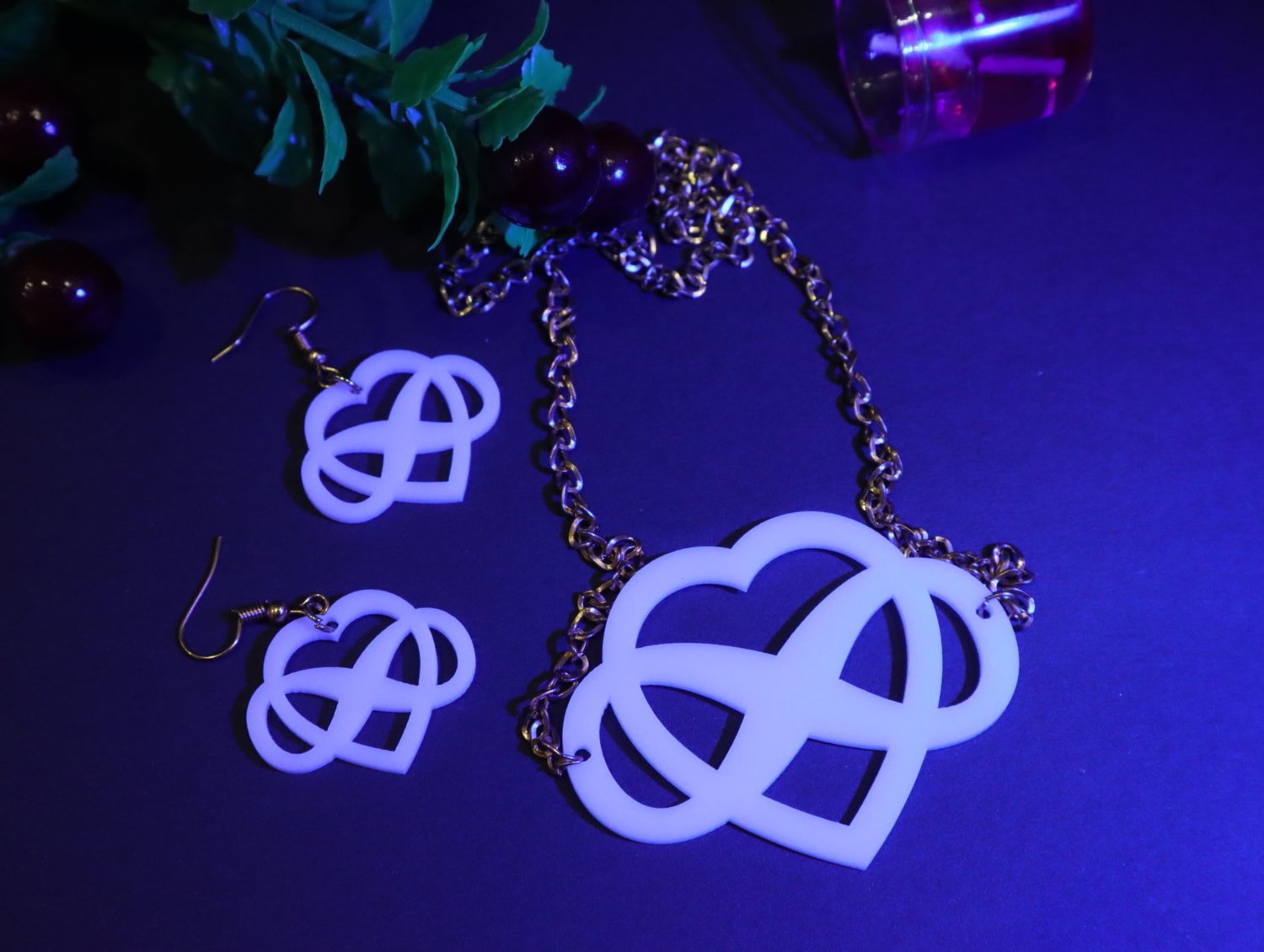
If you are looking for high-quality laser cut acrylic jewelry necklace designs, you are in the right place. Whether you are a CNC operator, laser cutting professional, or small business owner, having ready-made vector files like DXF, SVG, AI, and CDR can save hours of design work and help you start production instantly.
Laser cutting has revolutionized the jewelry industry. With precision machines like Glowforge, CO₂ lasers, and CNC routers, you can now create modern, stylish, and professional acrylic necklaces quickly and efficiently.
In this guide, you’ll learn everything about:
- Laser cut necklace design files
- Supported formats (DXF, SVG, AI, CDR)
- Benefits of acrylic jewelry
- How to use these files in CNC/laser machines
- Where to sell your finished jewelry
💎 What Are Laser Cut Acrylic Jewelry Necklace Files?
Laser cut necklace files are vector-based design files used in laser cutting machines to produce precise jewelry shapes. These files are compatible with most design and CNC software such as:
- Adobe Illustrator (AI)
- CorelDRAW (CDR)
- AutoCAD (DXF)
- Inkscape (SVG)
These files contain clean paths, curves, and cut lines that machines follow to cut acrylic sheets into beautiful necklace designs.
📁 Supported File Formats Explained
🔹 DXF Files (Best for CNC Machines)
DXF files are widely used in CNC and CAD software. They are ideal for:
- CNC routers
- Industrial laser machines
- AutoCAD users
🔹 SVG Files (Best for Laser Cutters)
SVG is the most popular format for:
- Glowforge
- Cricut
- Laser engraving machines
🔹 AI Files (Adobe Illustrator)
Perfect for designers who want:
- Custom edits
- Professional design control
- Layer-based editing
🔹 CDR Files (CorelDRAW)
Common in laser cutting shops, especially in Pakistan, UAE, and India.
🎨 Popular Acrylic Necklace Design Styles
Laser cut acrylic jewelry is trending due to its flexibility and modern look. Here are some popular styles:
✨ 1. Name Necklaces
Custom name designs are highly demanded in online markets.
✨ 2. Geometric Patterns
Minimalist shapes like circles, triangles, and abstract art.
✨ 3. Floral Designs
Elegant and detailed flower patterns for premium jewelry.
✨ 4. Arabic Calligraphy Necklaces
Very popular in UAE and Middle East markets.
✨ 5. Layered Acrylic Designs
Multiple layers for a 3D effect.
⚙️ How to Use These Files for Laser Cutting
Using your DXF, SVG, AI, or CDR files is simple:
Step 1: Import File
Open your file in:
- CorelDRAW
- Illustrator
- LightBurn
Step 2: Set Material
Choose acrylic thickness (usually 2mm–5mm)
Step 3: Adjust Machine Settings
- Power: 60–80%
- Speed: depends on machine
- Passes: 1–2
Step 4: Start Cutting
Place acrylic sheet and run your laser machine.
Step 5: Finishing
- Clean edges
- Add chain or hooks
- Polish if needed
🛠️ Best Materials for Acrylic Jewelry
Acrylic sheets come in different finishes:
- Glossy acrylic
- Matte acrylic
- Mirror acrylic (gold/silver)
- Transparent acrylic
Mirror acrylic is especially popular for premium necklace designs.
🚀 Benefits of Laser Cut Acrylic Jewelry
✔ Lightweight and comfortable
✔ Durable and long-lasting
✔ Affordable production cost
✔ High customization options
✔ Fast production for bulk orders
💰 Where to Sell Your Acrylic Jewelry
Once your necklaces are ready, you can sell them on:
👉 Check our premium design collection:
🌐 Selling Platforms
- Etsy – Handmade marketplace
- Amazon Handmade
These platforms allow you to reach global customers easily.
Laser Cut Acrylic Jewelry Necklace Earrings CDR File Free can used for fiber laser vinyle sticker cutting. Click on the download button and save the file on your computer to work, edit or customize your design. You can also find more 3D designs on our website dxffreefiles.com
<div class="multi-download-container">
  <div class="download-item">
    <span class="file-label">Drawing eXchange Format (DXF)</span>
    <div id="box-dxf">
      <button class="btn-start" onclick="startTimer('dxf', 'https://drive.google.com/file/d/1JID4NriNLJDp4rT9Ck1pwm1WTQBIWnJN/view?usp=drive_link')">Download DXF file</button>
    </div>
  </div>

  <div class="download-item">
    <span class="file-label">Adobe Illustrator (AI)</span>
    <div id="box-ai">
      <button class="btn-start" onclick="startTimer('ai', 'https://drive.google.com/file/d/1JZIltCAebPxZxygOecbbLjG3hU3lr53s/view?usp=drive_link')">Download Ai file</button>
    </div>
  </div>

  <div class="download-item">
    <span class="file-label">Scalable Vector Graphics (SVG)</span>
    <div id="box-svg">
      <button class="btn-start" onclick="startTimer('svg', 'https://drive.google.com/file/d/1yS6JZjHy12k9PeaQC_RFQd4BzrKtG35t/view?usp=drive_link')">Download SVG file</button>
    </div>
  </div>

  <div class="download-item">
    <span class="file-label">CorelDRAW (CDR)</span>
    <div id="box-cdr">
      <button class="btn-start" onclick="startTimer('cdr', 'https://drive.google.com/file/d/1NBr--T1QVOj_VvsKZymL470AxtAnIBBj/view?usp=drive_link')">Download CDR file</button>
    </div>
  </div>
</div>

<script>
function startTimer(id, downloadUrl) {
  const container = document.getElementById('box-' + id);
  let timeLeft = 10;

  // Button ko timer text se badal dein
  container.innerHTML = `<span class="timer-text">${timeLeft} seconds to Wait...</span>`;

  const timer = setInterval(function() {
    timeLeft--;
    container.querySelector('.timer-text').textContent = `${timeLeft} seconds to Wait...`;

    if (timeLeft <= 0) {
      clearInterval(timer);
      // Timer khatam hone par asli download button dikhayein
      container.innerHTML = `<a href="${downloadUrl}" class="btn-download" target="_blank">Download Here</a>`;
    }
  }, 1000);
}
</script>

<style>
.multi-download-container {
  max-width: 600px;
  margin: 20px auto;
  font-family: Arial, sans-serif;
  border: 1px solid #ddd;
  border-radius: 8px;
  overflow: hidden;
}
.download-item {
  display: flex;
  justify-content: space-between;
  align-items: center;
  padding: 15px 20px;
  border-bottom: 1px solid #eee;
}
.download-item:last-child { border-bottom: none; }
.file-label { font-size: 16px; color: #333; }

/* Buttons Style */
.btn-start, .btn-download {
  background-color: #5cb85c; /* Green Color jaisa pehli image mein tha */
  color: white;
  border: none;
  padding: 10px 18px;
  border-radius: 4px;
  cursor: pointer;
  font-weight: bold;
  text-decoration: none;
  display: inline-block;
  font-size: 14px;
}
.btn-download { background-color: #436cf0; } /* Blue Color download ke liye */
.timer-text { font-weight: bold; color: #e67e22; }
</style>
🔍 Why Choose Ready-Made Laser Cut Files?
Creating designs from scratch takes time. Ready-made files give you:
- Instant production start
- Professional quality designs
- Error-free cutting paths
- Time-saving workflow
Perfect for freelancers and CNC operators.
🧠 Pro Tips for CNC & Laser Operators
- Always test cut on scrap material
- Use masking tape to avoid burn marks
- Keep lens clean for better cutting
- Adjust focus properly
📦 What You Get in These Files
When you download premium files, you typically get:
- DXF file
- SVG file
- AI file
- CDR file
- Ready-to-cut design
All files are machine-ready and scalable.
❓ FAQs
Q1: Are these files ready for laser cutting?
Yes, all files are optimized for direct use.
Q2: Can I edit these designs?
Yes, you can edit using Illustrator or CorelDRAW.
Q3: What material is best?
Acrylic (2mm–3mm) is ideal.
Q4: Can I sell products made from these files?
Yes, you can use them for commercial purposes (depending on license).
🏁 Conclusion
Laser cut acrylic jewelry necklaces are a profitable and fast-growing business opportunity. With ready-made DXF, SVG, AI, and CDR files, you can start production immediately and create stunning, professional-quality designs.
Whether you’re working with a CNC router or a laser cutter, these files help you:
- Save time
- Increase productivity
- Deliver high-quality products
Start your journey today and turn your laser machine into a money-making business.