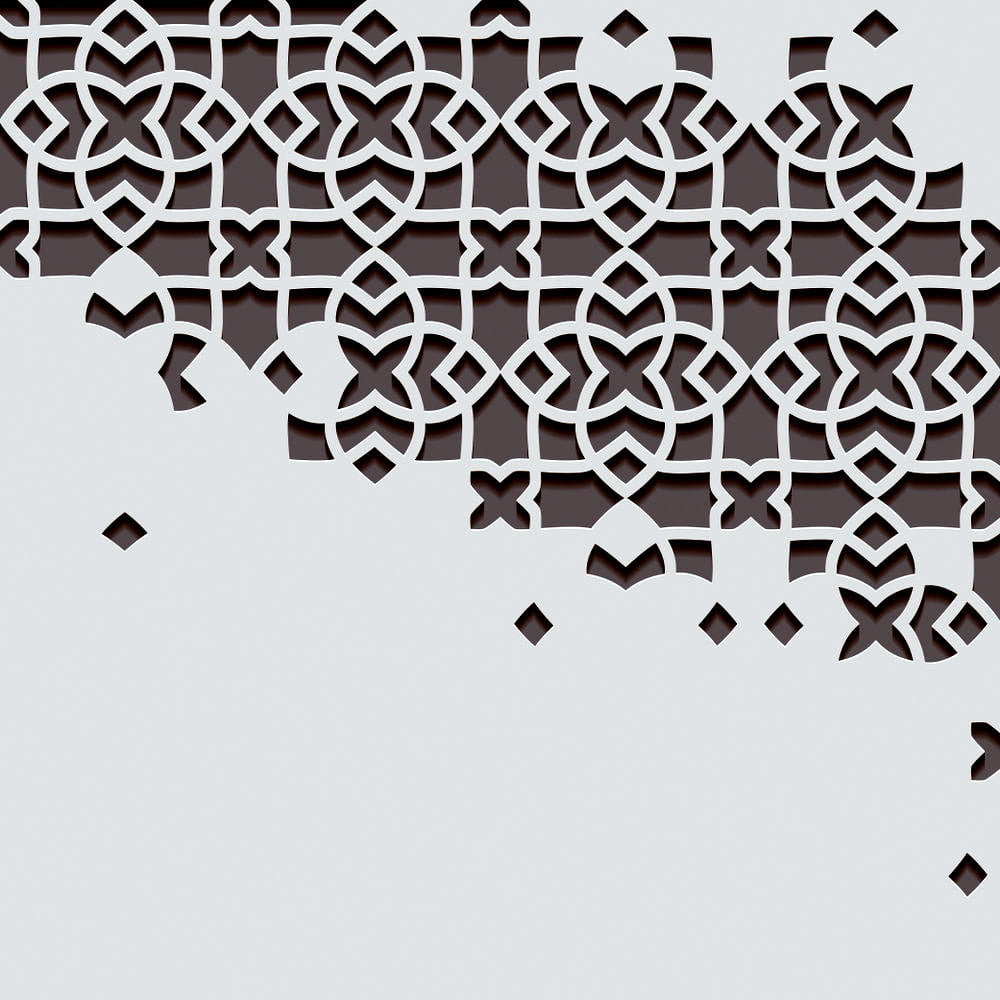
Free Arabic Arabesque Pattern Vector: Download Premium DXF, SVG, AI & CDR Files
The charm of Islamic art lies in its intricate geometry and flowing symmetry. Known as Arabesque, this art style defines the golden age of Islamic architecture, visible in the grand mosques of Alhambra and the palaces of the Middle East. Today, this timeless art form has found a new home: modern interior design and CNC manufacturing.
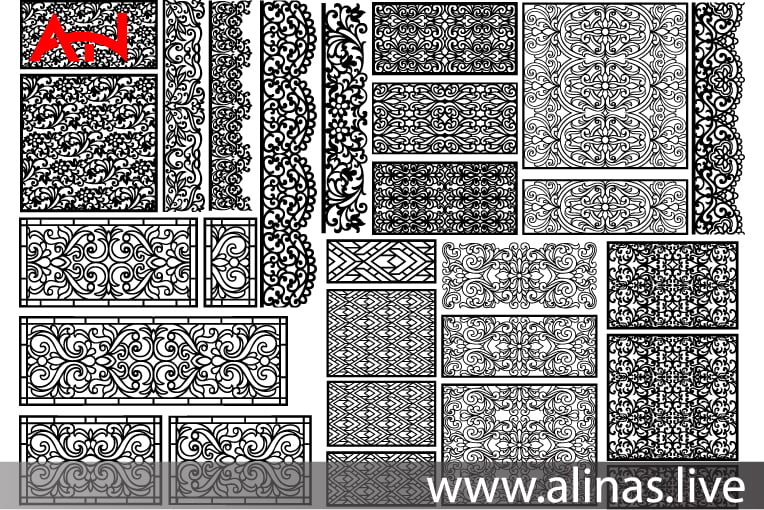
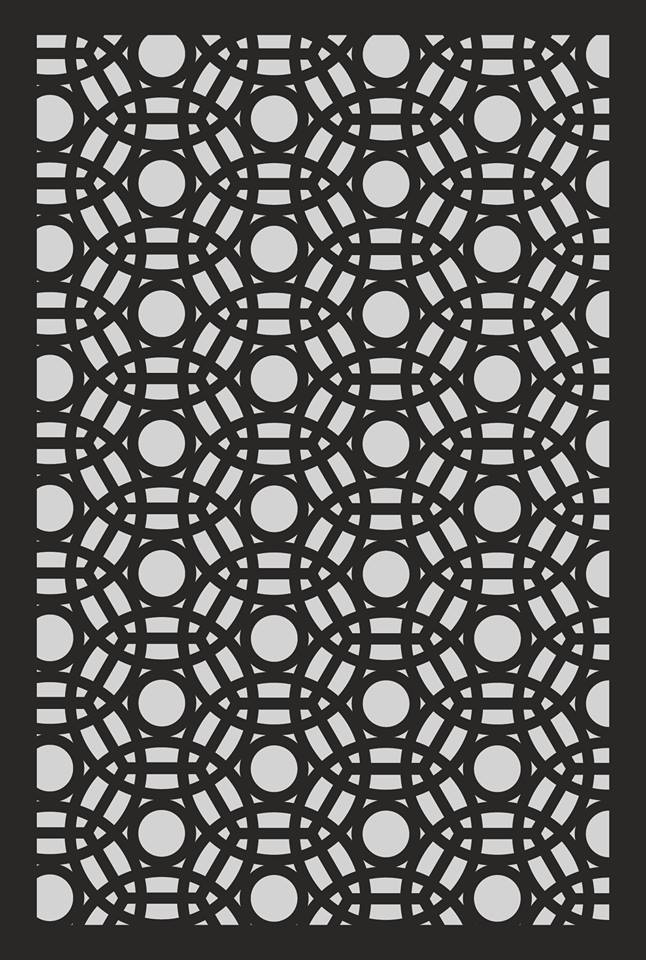
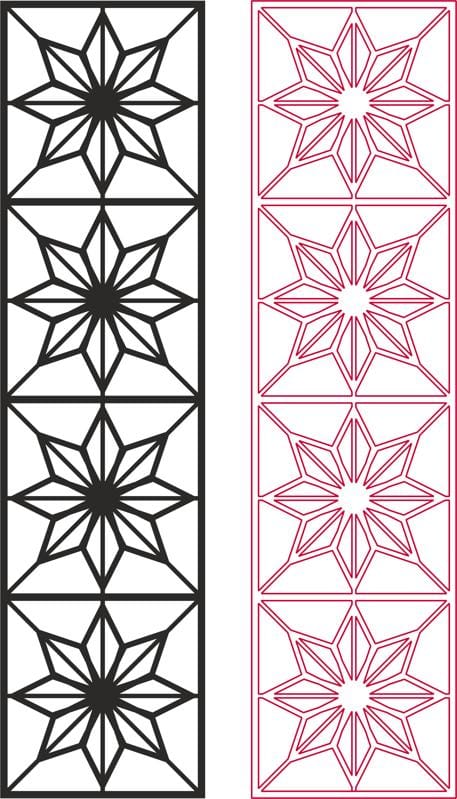
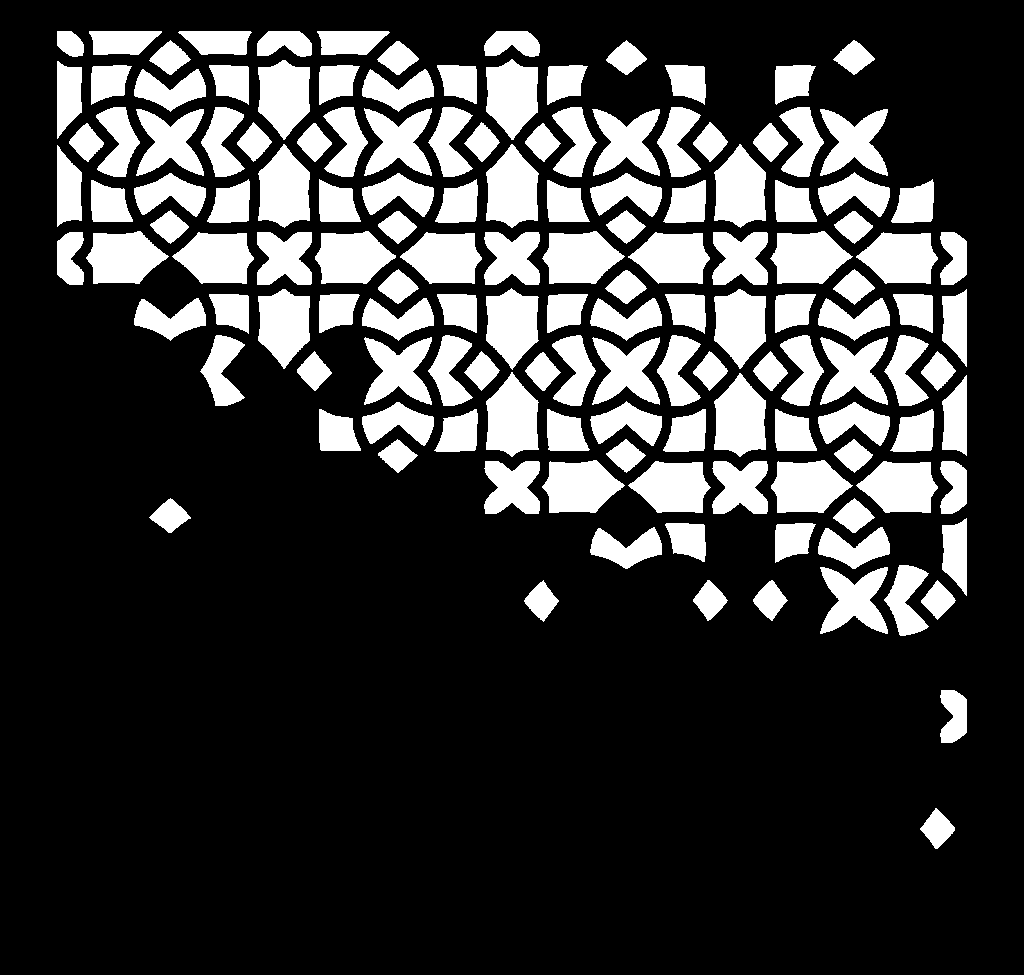
In this post, we are sharing a stunning Arabic Arabesque Pattern (Jali Design) completely free of charge. Whether you are an interior designer, a CNC router operator, or a DIY enthusiast, this versatile vector file is your gateway to creating breathtaking architectural elements.
What is an Arabic Arabesque Design?
Arabesque art is characterized by rhythmic linear patterns of scrolling and interlacing foliage, tendrils, or plain lines. Unlike calligraphy, which focuses on text, Arabesque focuses on infinite patterns—designs that can extend endlessly, symbolizing the infinite nature of the universe.
This specific design features a classic Geometric-Floral hybrid, making it perfect for both modern and traditional settings. It is designed to be a “seamless pattern,” meaning you can join multiple panels together to cover a large wall without breaking the design flow.
Why This Design is a “Must-Have” for CNC Users
Finding a clean, cut-ready Jali design is difficult. Most free files online are auto-traced images with jagged edges and broken lines. Our file is different:
1. Optimized for Laser & Router
We have manually cleaned the nodes (points). This ensures that your CNC machine travels smoothly, reducing cutting time and extending the life of your laser tube or router bit.
2. Perfect Symmetry
The beauty of Arabesque lies in its balance. This file is mathematically symmetrical, ensuring that when used as a room divider or window grill, it looks perfect from every angle.
3. Scalability
Since these are vector files, you can scale this pattern down to the size of a coaster or up to the size of a building facade without any pixelation or loss of quality.
Included File Formats & Compatibility
To ensure you can work with any machine or software, we have included the four industry-standard formats in the download package:
A. DXF File (AutoCAD / CNC Standard)
The .DXF format is the universal language for CNC machines.
- Best for: CNC Routers (ArtCAM, Aspire), Laser Cutters (RDWorks), and Waterjet machines.
- Usage: Import directly into your machine software to generate the G-Code.
B. SVG File (Vector & Web)
The .SVG format is lightweight and scalable.
- Best for: Cricut Maker, Silhouette Cameo, Shaper Origin, and web design.
- Usage: Perfect for vinyl wall stickers or intricate paper-cutting projects.
C. AI File (Adobe Illustrator)
The .AI file allows for advanced editing.
- Best for: Graphic Designers and Architects.
- Usage: If you want to modify the thickness of the lines or warp the pattern to fit a curved surface, use this file in Illustrator.
D. CDR File (CorelDraw)
The .CDR format is essential for laser shops in South Asia.
- Best for: Laser cutting services using CorelDraw.
- Usage: We have saved it in a legacy version (e.g., Corel X4 or X7) to ensure compatibility with older systems.
Top 5 Creative Applications for this Pattern
This Arabesque pattern is incredibly versatile. Here is how you can monetize or utilize this design:
1. Mashrabiya (Privacy Screens)
This is the most popular use case. Cut this pattern out of 18mm MDF or PVC sheets to create a partition between a living room and a dining area. It provides privacy while allowing light and air to pass through.
2. False Ceiling Panels
Backlit ceilings are trending. Cut this design in thin acrylic or wood, paint it white, and install it on the ceiling with warm LED strip lights behind it. The shadows cast by the Arabesque pattern create a mesmerizing luxury vibe.
3. Metal Gates & Railings
For a robust exterior look, use the DXF file to cut the pattern out of Mild Steel (MS) or Stainless Steel (SS) using a Plasma or Fiber Laser. It makes for a majestic main gate or balcony railing.
4. Furniture Inlays
Engrave this pattern onto the surface of a coffee table or cabinet doors to turn simple IKEA furniture into a bespoke masterpiece.
5. Decorative Wall Art
Simply cut it out of gold-mirror acrylic and paste it onto a dark wall. It serves as instant, high-end wall decor.
Technical Guide: How to Cut This Design
To achieve the best results, keep these technical tips in mind:
- Kerf Width: Remember that the laser removes a small amount of material (the kerf). This design accounts for standard kerf, but if you are doing very fine inlay work, you may need to offset the path slightly.
- Material Selection:
- MDF: Cheap and easy to paint. Best for indoors.
- WPC (Wood Plastic Composite): Waterproof. Best for bathroom dividers or exterior grills.
- Acrylic: Glossy finish. Best for modern signage and decor.
- Bridge Size: We have ensured the “bridges” (the material connecting the pattern parts) are thick enough to prevent breakage. Do not scale the design down too much, or the bridges might become too fragile.
Why We Offer Free CNC Files
The CNC and design community thrives on sharing. High-quality vector patterns often cost between $15 to $50 on stock websites. By providing these files for free, we aim to support:
- Small Business Owners: Who need high-quality designs to impress clients.
- Students: Who are learning CAD/CAM and need complex files to practice.
- Hobbyists: Who enjoy the art of making.
License Terms: You are free to use these files for Personal and Commercial physical projects. You can sell the cut panels, screens, and decor items. However, reselling or distributing the digital files is strictly prohibited.dxffreefiles.com
Frequently Asked Questions (FAQs)
Q1: Can I use this for 3D Printing? A: While this is a 2D vector file, you can import the SVG or DXF into software like Fusion 360 or Tinkercad and “Extrude” it to create a 3D model for printing.
Q2: The lines look too thin when I make it small. What should I do? A: This design is detailed. If you scale it down significantly (e.g., under 4 inches), the gaps may burn. Use the “Contour” or “Offset” tool in your software to thicken the lines before cutting.
Q3: Is this file compatible with Glowforge? A: Yes! The SVG file is fully compatible with Glowforge interface.
Conclusion
The Arabic Arabesque pattern is more than just a design; it is a piece of history that brings elegance to any space. We hope this free resource helps you create your next masterpiece.
If you found this post helpful, please share it with your fellow makers and designers!
Don’t forget to check our “Jali Designs” category for more geometric and floral patterns.