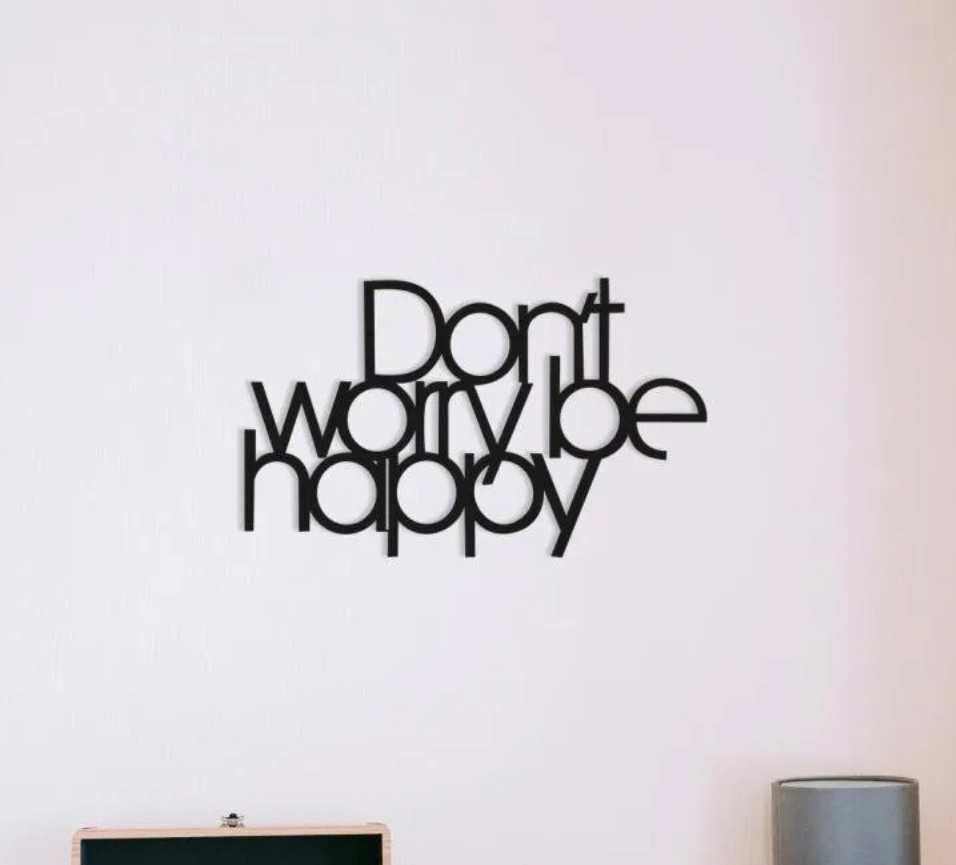
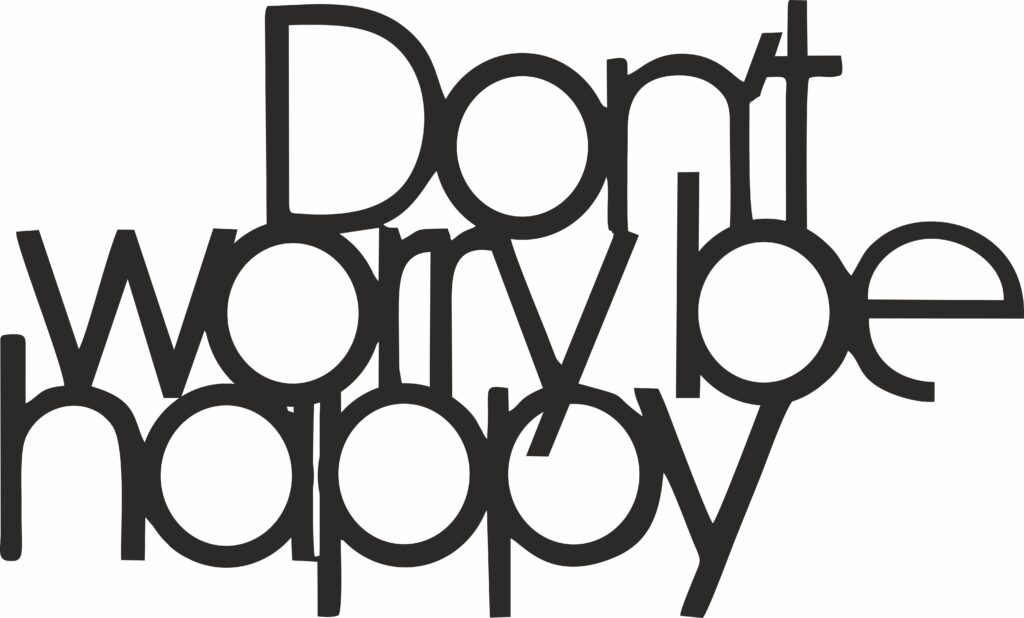
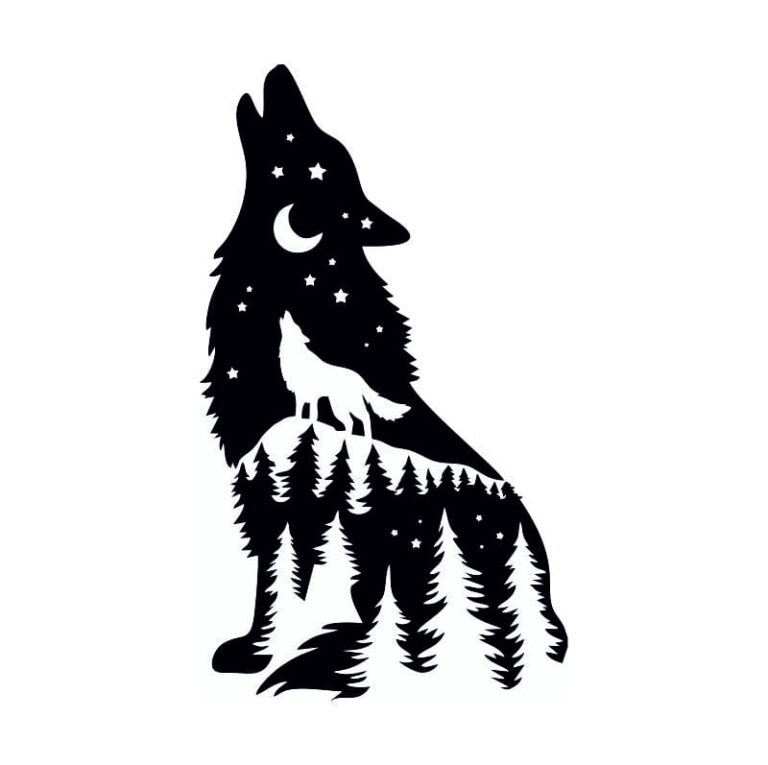
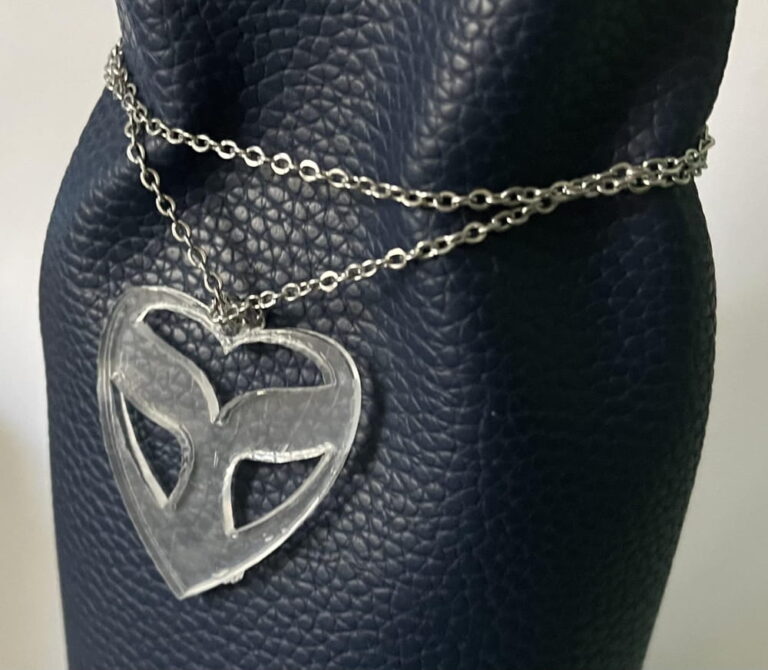
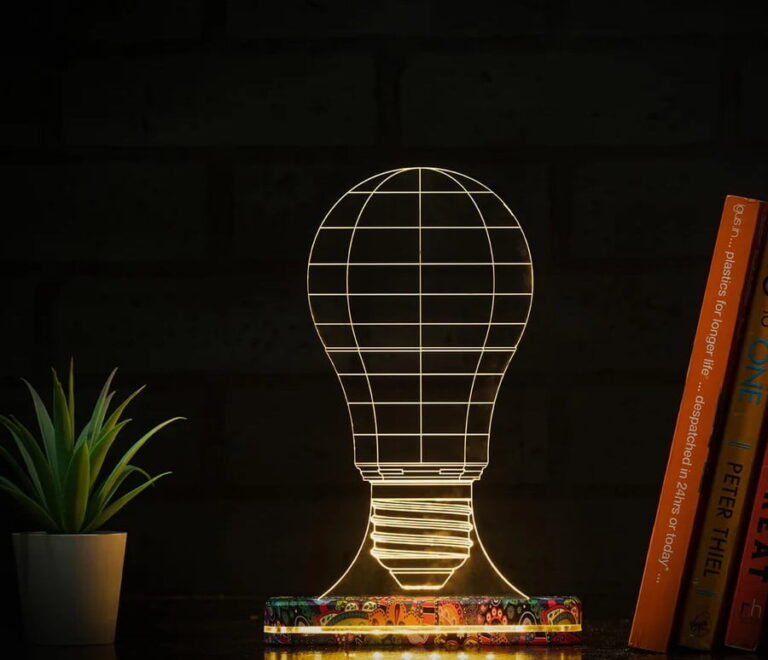
Looking for a free DXF file to create stunning bird-themed metal wall art? Look no further! We are excited to share this exclusive Don’t Worry Be Happy Wall Decor DXF file, perfect for CNC routers and laser cutting enthusiasts.
re you tired of searching the internet for hours just to find one clean, cut-ready vector file? Whether you are a hobbyist with a new Cricut, a professional running a CO2 Laser, or a CNC machinist working with heavy-duty plasma cutters, high-quality assets are the backbone of your success.
Today, I am giving away a massive library of 25,000+ premium vector files in DXF, SVG, AI, and CDR formats—completely free.
But wait! If you have a specific project in mind that requires a custom touch—like a personalized portrait, a specific mechanical part, or a logo conversion—you don’t have to do it alone.
🚀 Get Custom Designs & Professional Vector Tracing
If you need a unique design or a file tailored to your specific machine settings, visit my Fiverr Gig here:
I provide 24-hour turnaround for custom DXF/SVG orders!
This intricate design is ideal for home decoration, garden walls, or as a unique gift idea. The file is free to download and easy to use. Whether you’re a hobbyist or a professional, this design will add a creative touch to your projects.
Don’t forget to check out our collection of Free DXF Files for more amazing designs!
Backlink Section: If you enjoy this free DXF file, consider visiting our partner site Metalshaus for high-quality metal wall art and custom designs.
Click the button to download!
Drawing eXchange Format (DXF)
Adobe Illustrator (AI)
Scalable Vector Graphics (SVG)
CorelDRAW (CDR)
Why Vector Files Matter for Your Business
In the world of digital fabrication, the quality of your file determines the quality of your finished product. Using “dirty” files with overlapping nodes or open paths can ruin your material, break your bits, or cause “charring” on laser cutters.
Understanding the Formats:
DXF (Drawing Exchange Format): The gold standard for CAD and CNC. If you are using AutoCAD, VCarve, or Fusion 360, this is your go-to.
SVG (Scalable Vector Graphics): The favorite for Laser users (LightBurn) and vinyl cutters (Cricut/Silhouette). It retains color data and layers perfectly.
AI (Adobe Illustrator): Best for high-end graphic design and complex artistic illustrations.
CDR (CorelDraw): Widely used in the signage and trophy engraving industry.
What’s Included in This 25,000+ File Pack?
To make this easy for you, I have categorized these files so you can find exactly what you need for your next project.
1. Home Decor & Interior Design
Transform any living space with these precision-cut designs:
Wall Art: Geometric animals, world maps, and floral panels.
Clocks: Intricate Roman numeral designs and modern minimalist styles.
Shelving: Interlocking laser-cut shelves that require no glue.
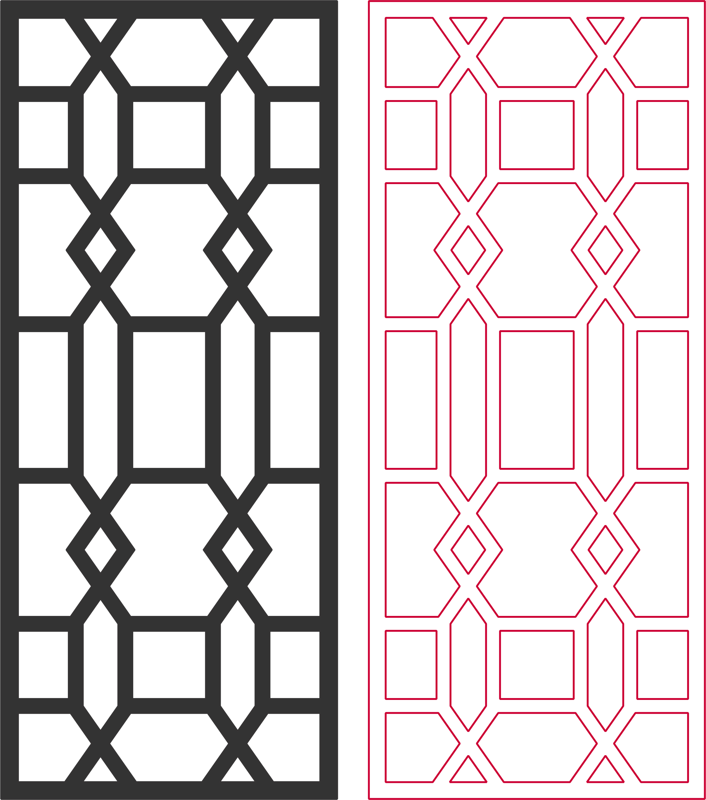
Room Dividers: Large-scale CNC patterns for privacy screens.
2. Festive & Seasonal Decorations
Be ready for every holiday season:
Christmas: Ornaments, 3D reindeer, and snowflake coasters.
Weddings: Cake toppers, “Save the Date” magnets, and table numbers.
Eids & Cultural Festivals: Islamic calligraphy, lanterns (fanoos), and moon shapes.
3. Toys and 3D Puzzles
Educational and fun projects for kids and adults:
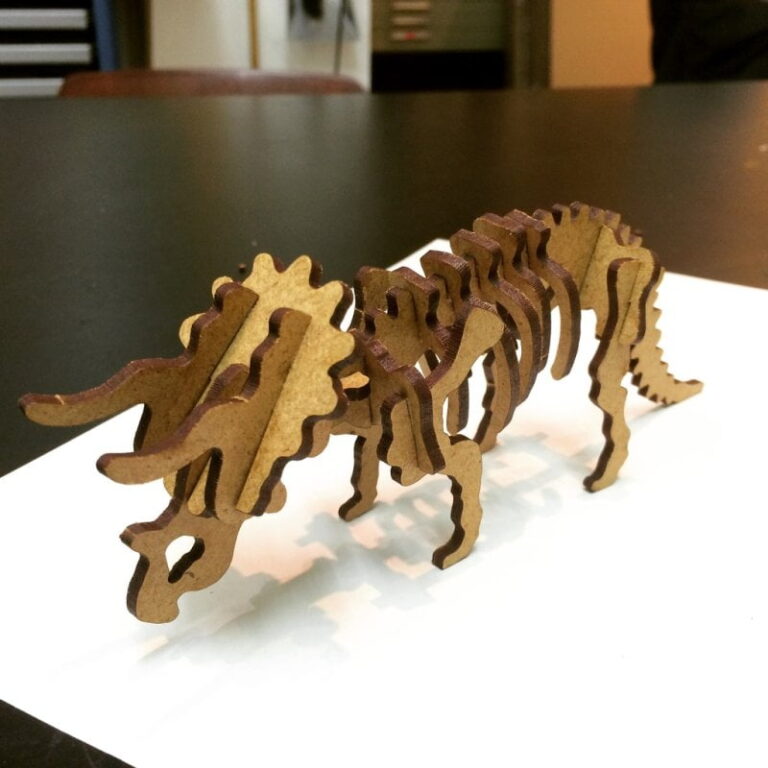
3D Animals: Dinosaurs, lions, and eagles that slot together.
Vehicles: Detailed cars, planes, and ships.
Dollhouses: Fully scalable miniature furniture and house frames.
Technical Guide: How to Optimize These Files for Your Machine
Even with free files, you need to know how to handle them. Here is a deep dive into getting the best results.
Laser Cutting (CO2 & Diode)
When using the SVG or DXF files from this bundle in software like LightBurn or RDWorks:
Check for “Double Lines”: Sometimes vectors have overlapping paths. Use the “Delete Overlapping Lines” tool to save time and prevent fires.
Order of Operations: Always set your Engraving (Scan) layers to happen before your Cutting layers.
Kerf Compensation: Depending on your laser beam width, you may need to offset the paths by 0.1mm to 0.2mm for a snug fit in 3D puzzles.
CNC Routing & Plasma
For heavy-duty work using DXF files:
Lead-ins and Lead-outs: Especially for plasma cutting, ensure your software adds lead-ins so the “pierce point” doesn’t ruin the edge of your part.
Toolpath Selection: Choose inside or outside profiles correctly. A 6mm bit will make a hole 12mm wider if you don’t select the correct offset!
Common Mistakes to Avoid with Free Vector Files
Many people download free files and run into trouble. Here is how to stay ahead:
Incorrect Scaling: DXF files can sometimes import in the wrong units (inches vs. mm). Always double-check a known dimension before hitting ‘Start’.
Open Loops: If a shape won’t “fill” or “pocket,” it likely has a tiny gap between two nodes. Use the “Join” command in Illustrator or CorelDraw.
Text Conversion: If you see a “font missing” error, it means the text wasn’t converted to curves/outlines. My custom services on Fiverr ensure all text is perfectly outlined for any machine.
The Value of Professional Custom Design
While 25,000 files cover a lot of ground, your business often requires something exclusive.
Why choose my custom service on Fiverr?
Precision Tracing: I turn your low-res JPEGs into high-resolution, cut-ready vectors.
Machine-Specific Optimization: I can design specifically for the thickness of the material you are using (3mm, 6mm, 18mm, etc.).
Logo Cleanup: Make your brand look professional on any surface.