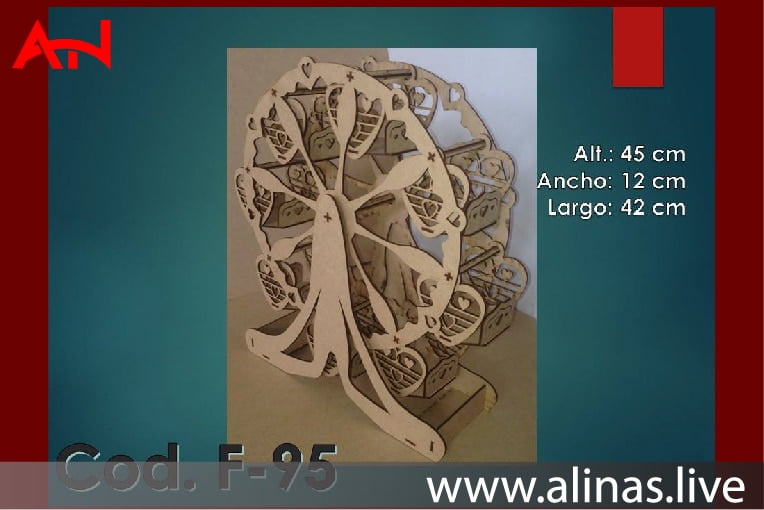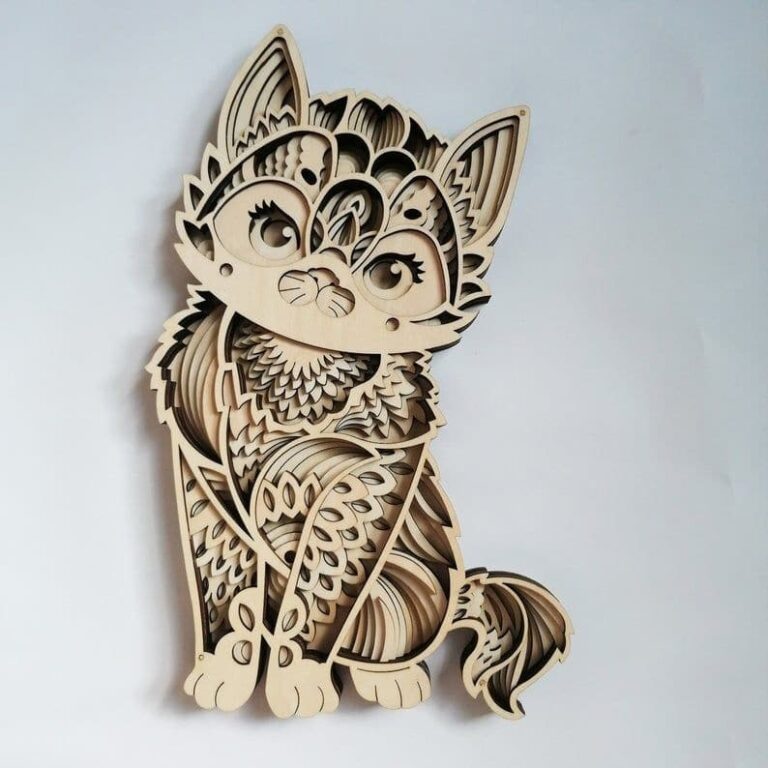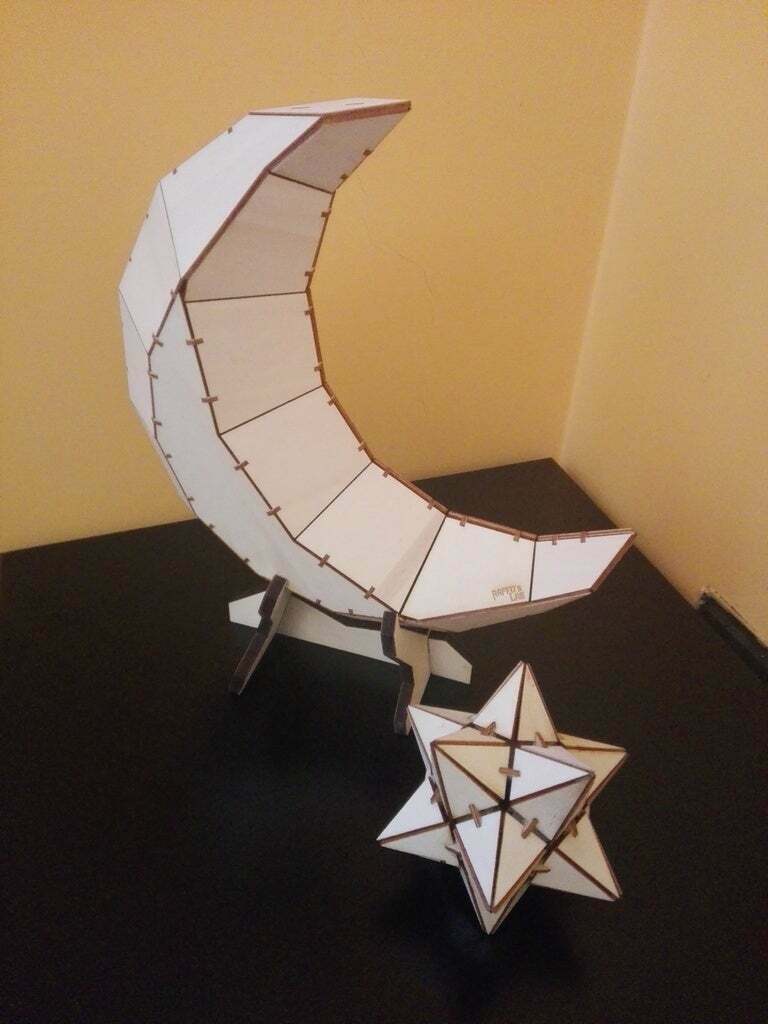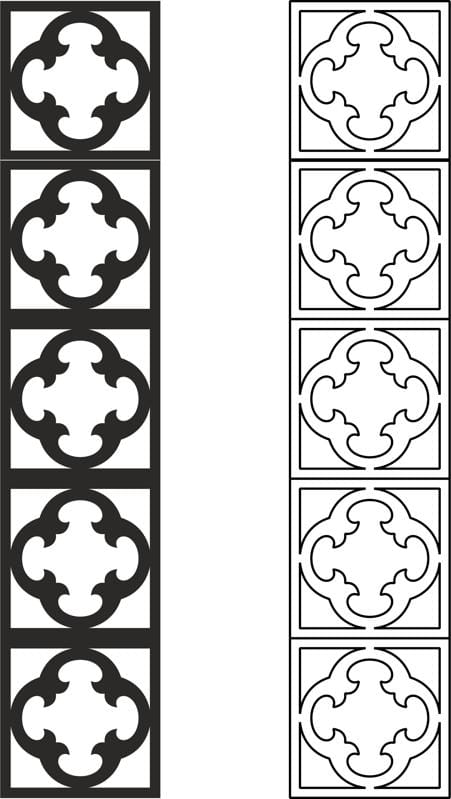
A carved pattern is one of the most popular decorative design styles used in woodworking, CNC routing, and laser cutting. Designers use carved pattern designs to create beautiful furniture, decorative panels, and
Today, modern machines like CNC routers and laser cutters make it easy to produce detailed carved patterns. Designers only need a vector file and a cutting machine.
In this article, you will learn about carved patterns, their uses, and how you can download free carved pattern DXF, SVG, AI, and CDR files for your projects.
What Is a Carved Pattern?
A carved pattern is a decorative design that is cut or engraved into a material. These patterns can be simple or highly detailed.
Traditionally, artisans created carved designs by hand. However, modern technology has changed this process.
Now, CNC machines and laser cutters can produce complex patterns quickly and accurately.
Common carved pattern styles include:
- Floral patterns
- Geometric designs
- Islamic patterns
- Traditional ornaments
- Modern abstract shapes
Because of their beauty, carved patterns are widely used in furniture and interior decoration.
Why Carved Patterns Are Popular
Carved pattern designs are widely used in CNC and laser cutting projects. There are several reasons for this popularity.
Beautiful Decorative Look
First of all, carved patterns add elegance and artistic value to any product. Even a simple wooden panel looks premium with a decorative pattern.
Easy to Produce with CNC Machines
Another advantage is production efficiency. CNC routers and laser machines can cut complex shapes with great precision.
Flexible Design Options
Carved patterns come in many styles. Designers can choose traditional or modern designs depending on the project.
Easy to Customize
Vector files allow designers to resize or modify patterns easily. This flexibility makes them useful for many applications.
Common Uses of Carved Pattern Designs
Carved patterns are used in many different industries. They are especially popular in interior decoration and furniture design.
Decorative Wall Panels
One of the most common uses is decorative wall panels. CNC-cut wall panels can transform a simple wall into an artistic feature.
Furniture Decoration
Carved patterns are widely used in furniture design. Many manufacturers add decorative patterns to:
- cabinet doors
- table tops
- bed headboards
- wardrobes
- chairs
This gives furniture a unique and premium appearance.
Room Divider Panels
Laser cut carved patterns are perfect for room dividers. These panels provide privacy while still allowing light to pass through.
Decorative Doors
Many luxury doors include carved patterns. These designs add character and elegance to home entrances.
Wall Art and Home Decor
Carved designs are also used for wall art. Designers create beautiful decorative panels using wood, metal, or acrylic.
Materials Used for Carved Patterns
Carved pattern designs can be produced using different materials. The choice of material depends on the project.
Wood and MDF
Wood is the most common material for carved designs. It is easy to cut and has a natural texture.
MDF is also widely used because it has a smooth surface and consistent density.
Acrylic
Acrylic is popular for modern decorative projects. It works well with laser cutting machines.
Metal
Metal carved patterns are often used for gates and exterior decorations.
Common metals include steel, aluminum, and brass.
PVC Panels
PVC boards are lightweight and moisture resistant. Therefore, they are useful for indoor and outdoor decoration.
CNC File Formats for Carved Patterns
CNC machines require vector files. These files guide the cutting process.
Several file formats are commonly used.
DXF Files
DXF is one of the most popular formats for CNC machines. It works with software like AutoCAD, Aspire, and ArtCAM.
SVG Files
SVG files are widely used in laser cutting and graphic design. Many designers use them with software like LightBurn and Inkscape.
AI Files
AI files are created in Adobe Illustrator. These files allow advanced editing and design adjustments.
CDR Files
CDR files are used in CorelDRAW. Many laser cutting professionals prefer this format.
How to Use Carved Pattern Files
Using carved pattern files is very simple.
Follow these steps.
Step 1: Download the File
First, download the carved pattern file in DXF, SVG, AI, or CDR format.
Step 2: Open in Design Software
Next, open the file in your preferred software. For example:
- CorelDRAW
- Adobe Illustrator
- VCarve
- LightBurn
Step 3: Resize the Design
Adjust the design size according to your project.
Step 4: Set Machine Settings
Set the correct cutting parameters. These include speed, power, and depth.
Step 5: Start the Cutting Process
Finally, load the material and start the machine.
Within a short time, the machine will produce a beautiful carved pattern.
Tips for Better CNC Carving Results
Here are a few tips to improve your carving quality.
Use Quality Material
Good material produces better results. MDF and hardwood are excellent options.
Test the Settings
Before starting the final project, make a small test cut.
Use Sharp Tools
Sharp CNC bits create cleaner edges and finer details.
Check Machine Calibration
Always ensure your CNC machine is properly calibrated.
Free Carved Pattern DXF SVG AI CDR Files
We are providing free carved pattern design files for CNC and laser cutting machines.
These files are perfect for many projects, including:
- wall decoration
- furniture design
- room divider panels
- laser cut wall art
- wooden decorative panels
The files are available in multiple formats:
- DXF
- SVG
- AI
- CDR
Because of this, they work with most CNC routers and laser machines.
You can download the files and start your project immediately.
Why Free CNC Design Files Are Useful
Free CNC files help designers in many ways.
First, they save time. Designers do not need to create patterns from scratch.
Second, they reduce design costs.
Third, they provide creative inspiration for new projects.
Finally, they allow beginners to learn CNC cutting more easily.